Whether working or studying, we constantly click all kinds of links, which typically open straight in whatever your default browser happens to be. But if you have multiple browsers installed—each dedicated to different workflows or logged into separate accounts—this can quickly become frustrating. What you really need is an intermediary browser prompt: a tool that intercepts link clicks and asks which browser to use, sparing you the repetitive hassle of opening in the default browser and then manually copying and pasting the URL elsewhere.
I searched the App Store and found apps that do this, but they come with a price tag.
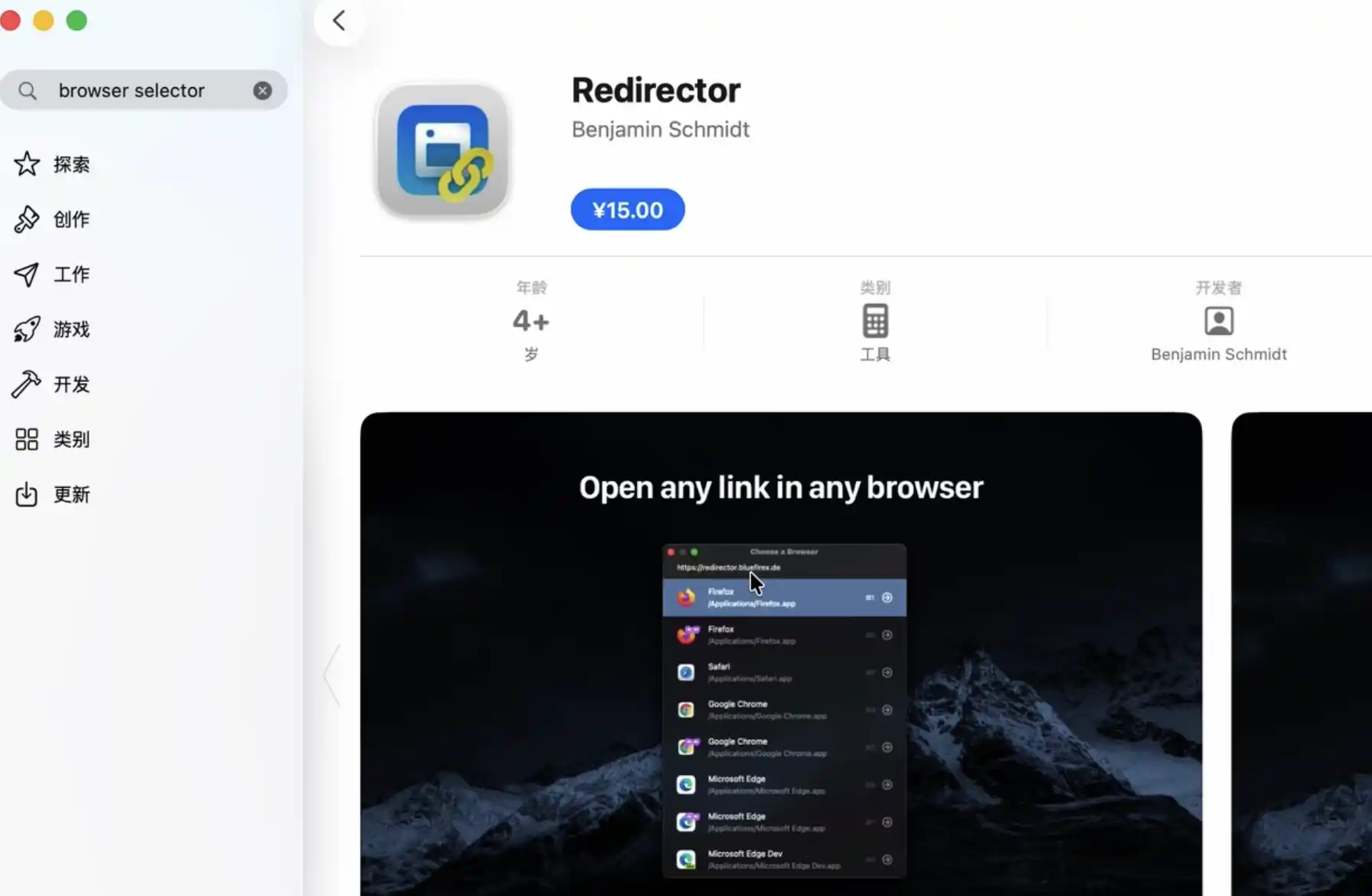
Living by the philosophy of “no trial, no buy,” I took my search to the web. That is how I found Browserino. It is free, open-source, and remarkably well-made. Built with native code, it is lightweight, blazing fast, and takes up less than 2 MB.
Although it is only available in English, setup is a breeze and requires just a single configuration—after that, it simply works silently in the background.
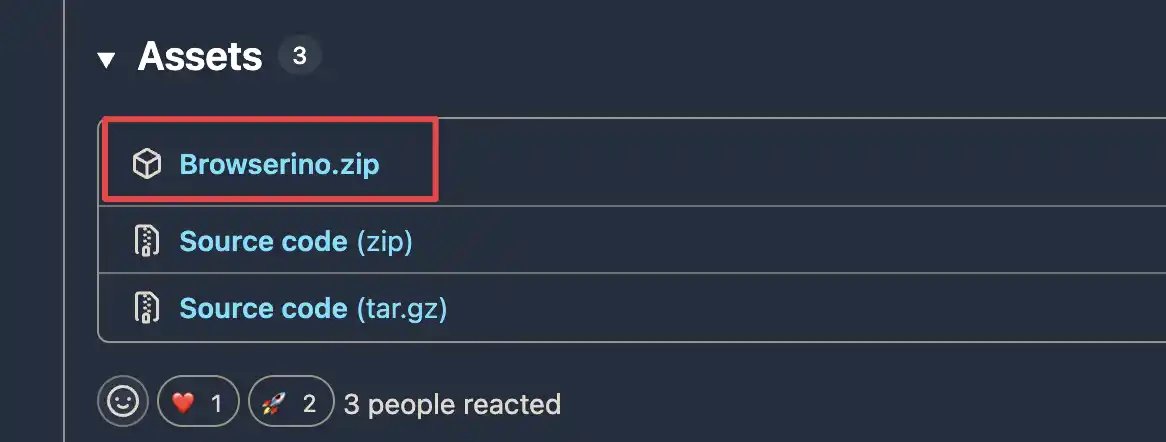
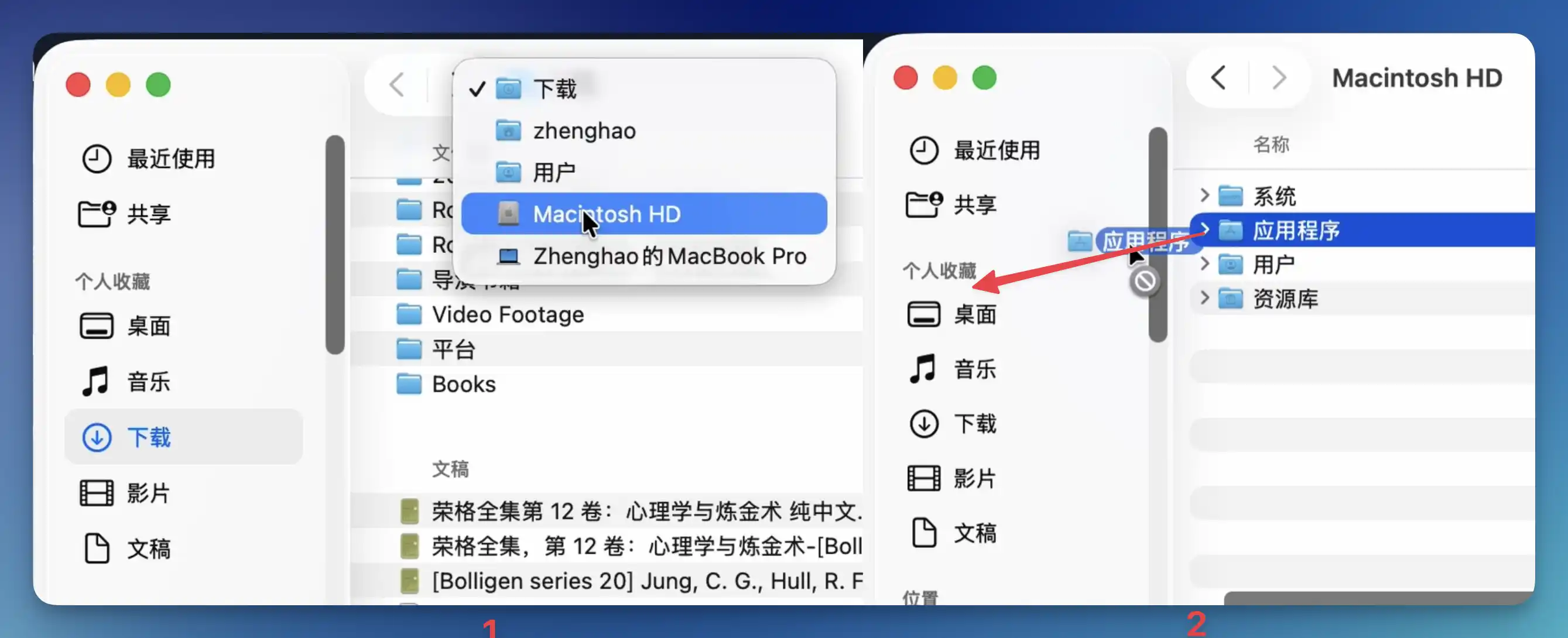
Head over to the official release page to download the latest release. Once downloaded and unzipped, drag it into your Applications folder. If Applications is missing from your Finder sidebar favorites, right-click the sidebar or navigate to Macintosh HD and drag it back in.
Launch the app to complete the initial setup; you will first need to set it as your default browser.
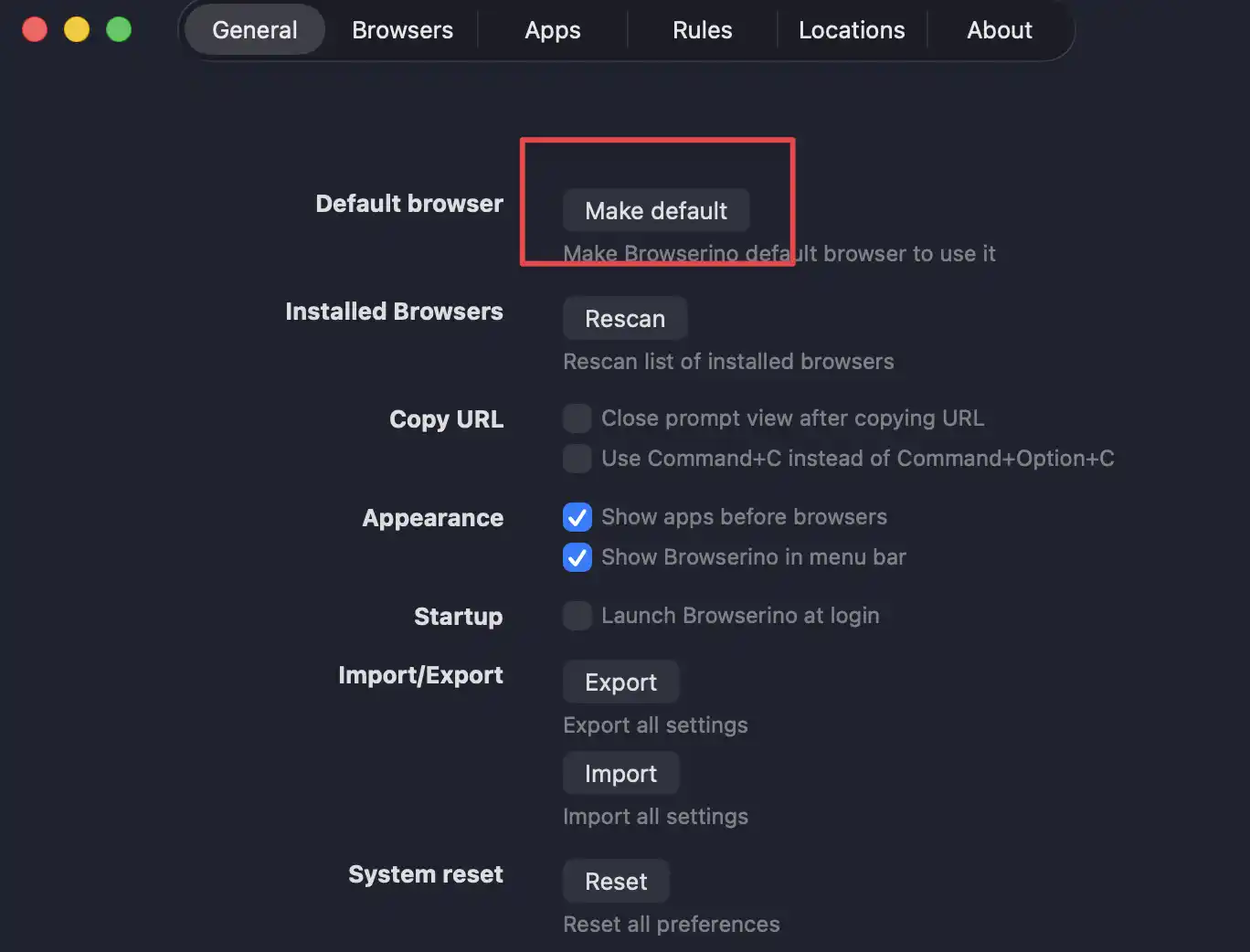
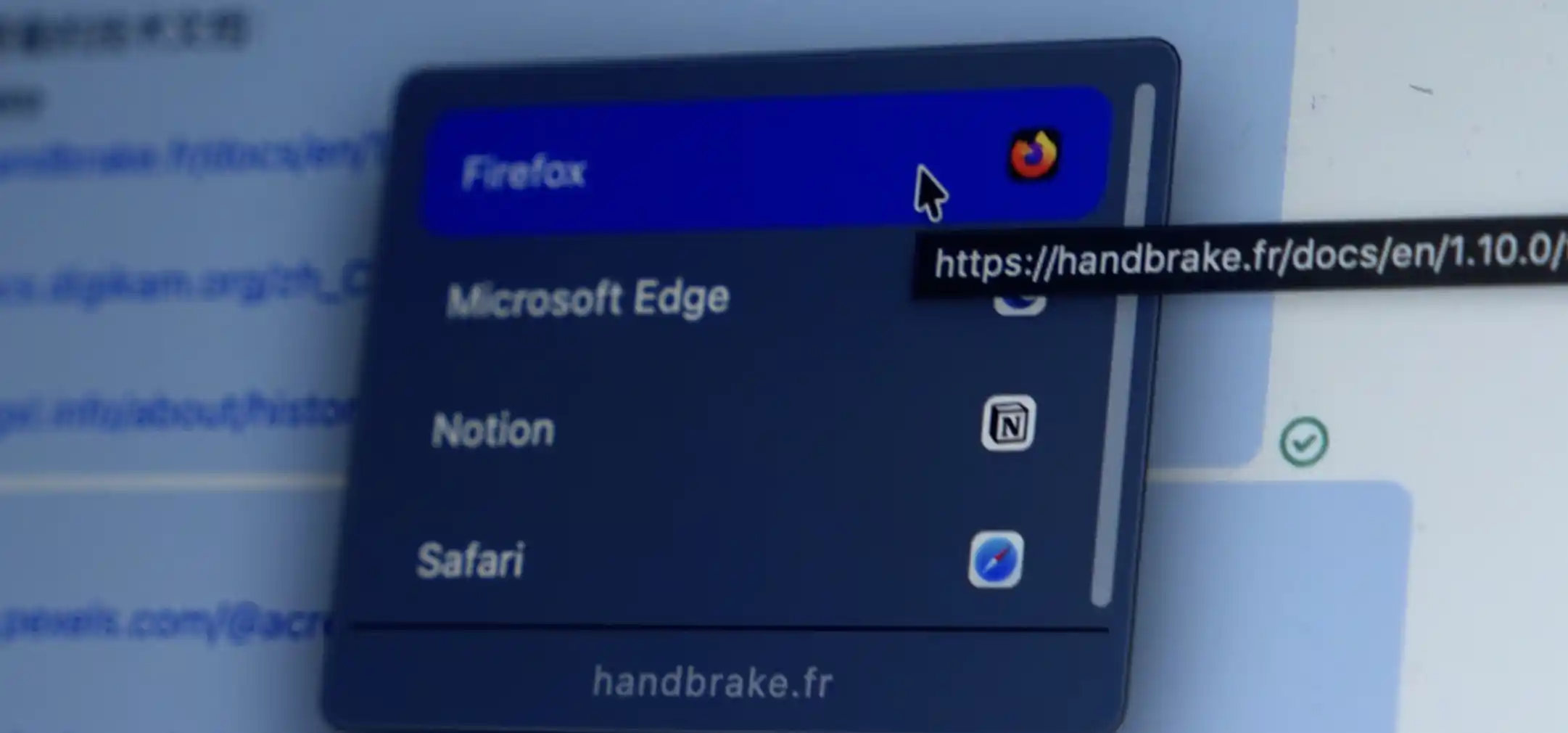
Next, select which browsers should appear in the popup picker list. From then on, every link click will let you choose your target browser on the fly.
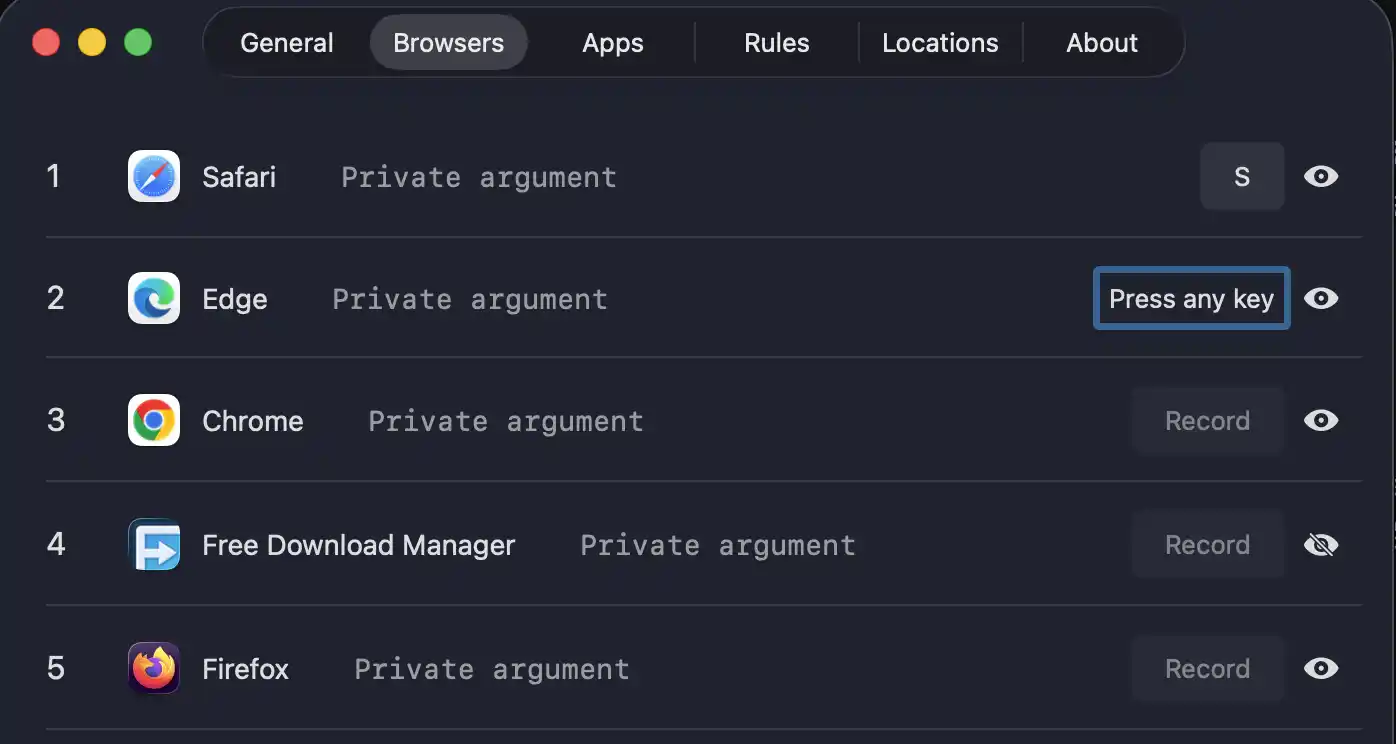
It also lets you assign keyboard shortcuts to browsers. For instance, mapping F to Firefox allows you to hit F right after clicking a link to launch Firefox directly. Personally, I find this a bit gimmicky—most of us would rather just click twice on screen than switch from mouse to keyboard mid-action.
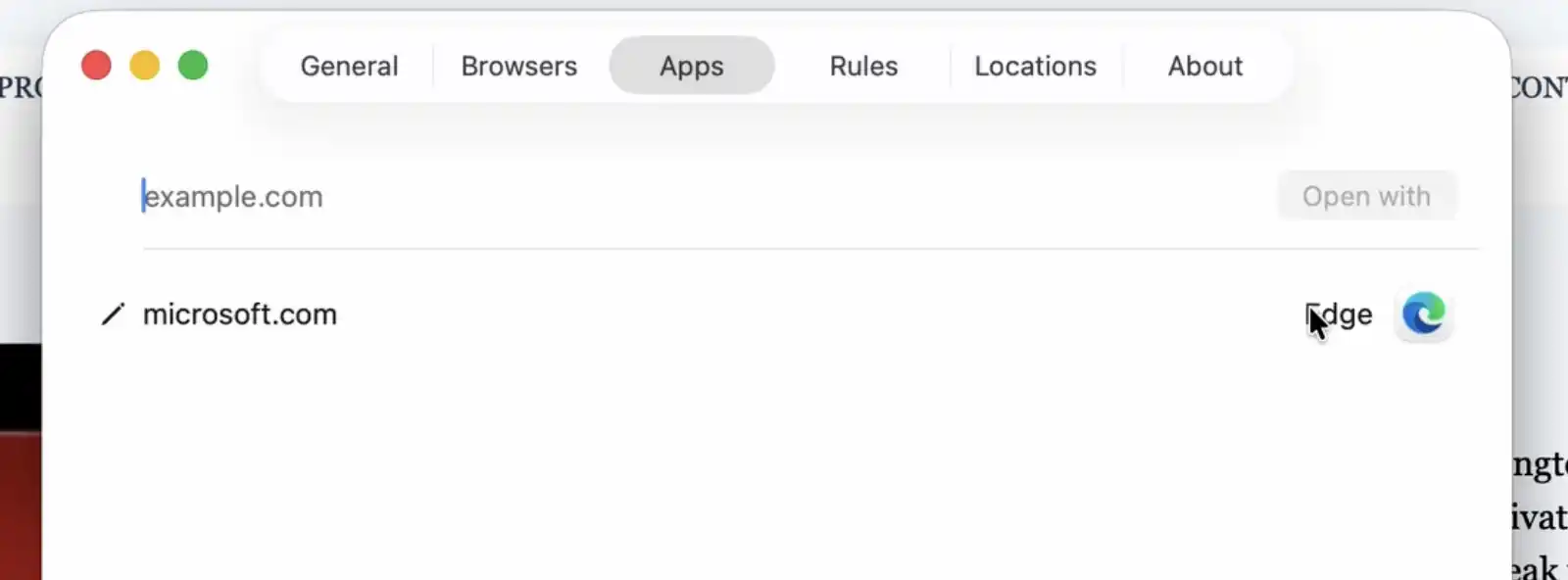
Browserino also supports custom routing rules. For instance, you can automatically route any Microsoft domain directly to Edge.
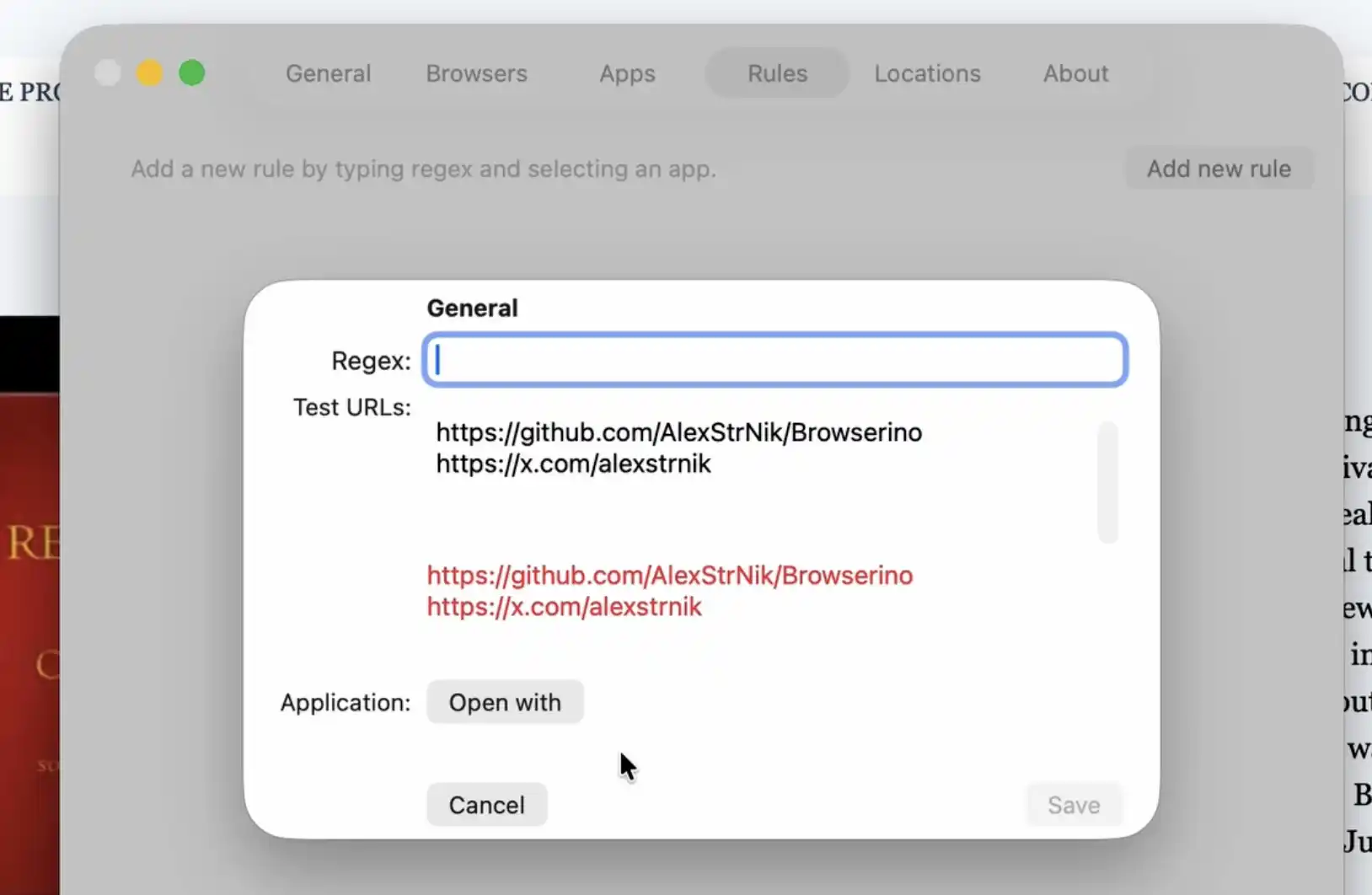
There are more advanced rule options, seemingly powered by Regular Expressions, which let you match specific URL patterns to open in designated browsers. It is a bit beyond my needs, but feel free to explore it yourself.
In fact, the first browser picker I stumbled upon was Browserosaurus, built by a British developer. He built it out of pure frustration when he couldn’t find a decent tool for the same problem. After using it happily for a few months, I checked his site only to find he had retired the project—right after I had donated to him just a few months prior, bummer! But stepping back to spend more time with family is completely understandable, and he generously recommended Browserino as a worthy successor.
For Windows users, he recommended Browseratops, though I haven’t tried it myself yet.